
Betaface
Facial recognition and face detection API that can run as a biometric step inside your Zenoo flows.
At a glance
Overview
Betaface overview
Betaface offers a REST API for face detection, matching, and basic facial attribute analysis. It suits prototypes, demos, and low-volume projects that need simple face detection without heavy integration. For regulated, high-volume onboarding, pair it with a dedicated identity provider inside Zenoo.
- Company
- Betaface
- Category
- Biometrics
- Strongest in
- Basic face detection
- Best fit
- Prototypes and low-volume projects
Where it is strongest
Key strengths
What Betaface does well.
Low-cost entry point
Community reports cite pricing from around $0.001 per API call, which makes Betaface viable for prototypes and early-stage projects.
Simple REST API
A straightforward REST interface handles basic facial recognition and matching without a complex integration.
Fast basic detection
Community reports cite sub-second response times for basic face detection and matching.
Who it suits
Best for
Where Betaface fits, and what to plan for.
Honest notes on the trade-offs, each with a way to cover the gap inside a Zenoo flow.
- Non-regulated prototypes and demos
- Low-volume projects with basic face detection needs
- Accuracy varies across use cases. Some reports suggest accuracy is uneven on diverse ID types and at higher volumes. In Zenoo, route regulated onboarding through a proven biometrics provider and keep Betaface for non-critical detection.
- Documentation and support. Some community reports describe dated documentation and slow email-only support. Zenoo's single connector and fallback routing reduce the impact if a check does not return cleanly.
- Compliance certifications. Published detail on formal certifications is limited. For regulated flows, pair Betaface with a certified identity provider in Zenoo so the compliance evidence trail stays intact.
Open the customer's case
What your team sees
The Betaface result, beside everything else.
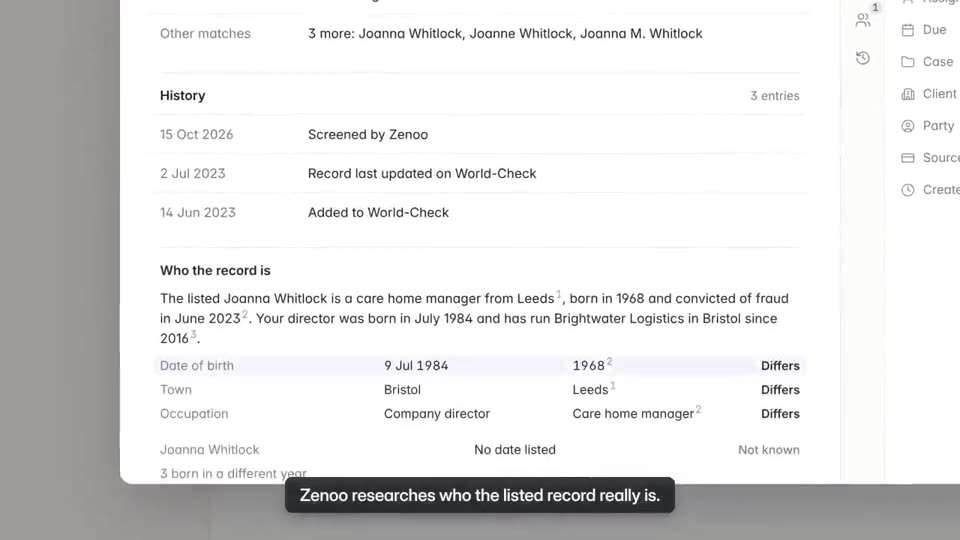
The result sits with screening and review on one case, so nobody checks a second tool to see the whole customer.
Hands it to your team
Verification is the first step. Compliance Hub handles the rest.
Once a customer is verified, screening and review happen in Compliance Hub. A possible PEP match lands in your team inbox with the evidence and the full history beside it. Zenoo suggests, your team decides.
Pairs well with
 iProovAdd certified liveness detection for regulated onboarding in the same flow.VE
 VeriffAdd document and biometric identity verification alongside face detection.
Alternatives
iProovBiometrics · iProov LtdFA FaceTecBiometrics · FaceTec, Inc.VeriffIdentity verification · Veriff OÜ
More in biometrics





Tomorrow, your case
Bring us a case that went wrong.
We will run it through Zenoo while you watch: the evidence, the decision, and the record your MLRO would want to defend.
30 minutes. Your data. No slides.