Compliance Hub · Files
Drop it in. Zenoo files it.
Drop a client’s documents on the case, even as one zip. Zenoo reads each one, files it against the check it proves, and says first when a file is about somebody else.
How it works
Drop the whole pack. Zenoo unpacks it.
Drag a zip or a handful of files onto a company or a person. Zenoo unpacks it, reads every document, and puts each one on the check it belongs to.
Wrong company
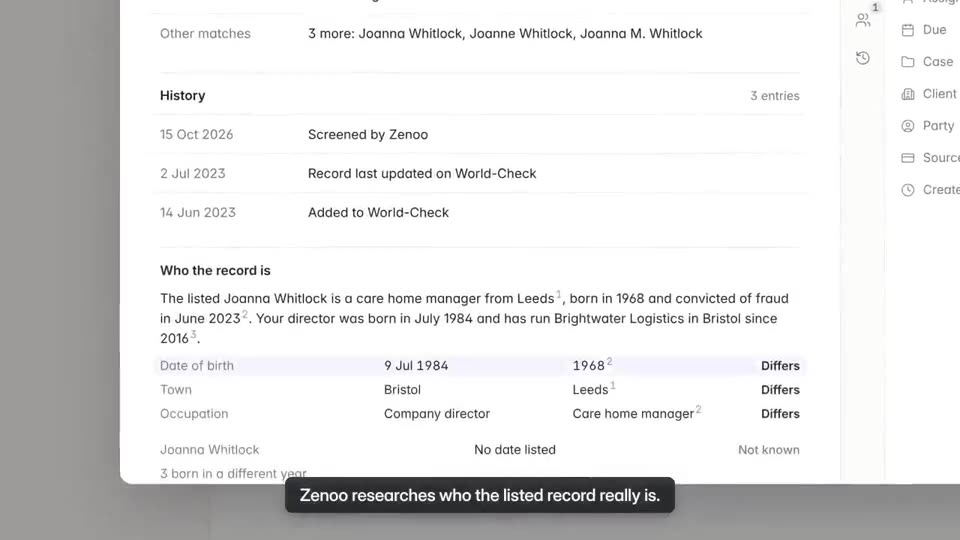
A file about someone else is flagged, not filed.
If a document names another company or person, Zenoo says so before anyone relies on it. Keep it as a case file, or remove it.
When it is not sure
Zenoo asks which check.
When a document could prove more than one thing, Zenoo says what it looks like and asks. One click files it.
The Files tab
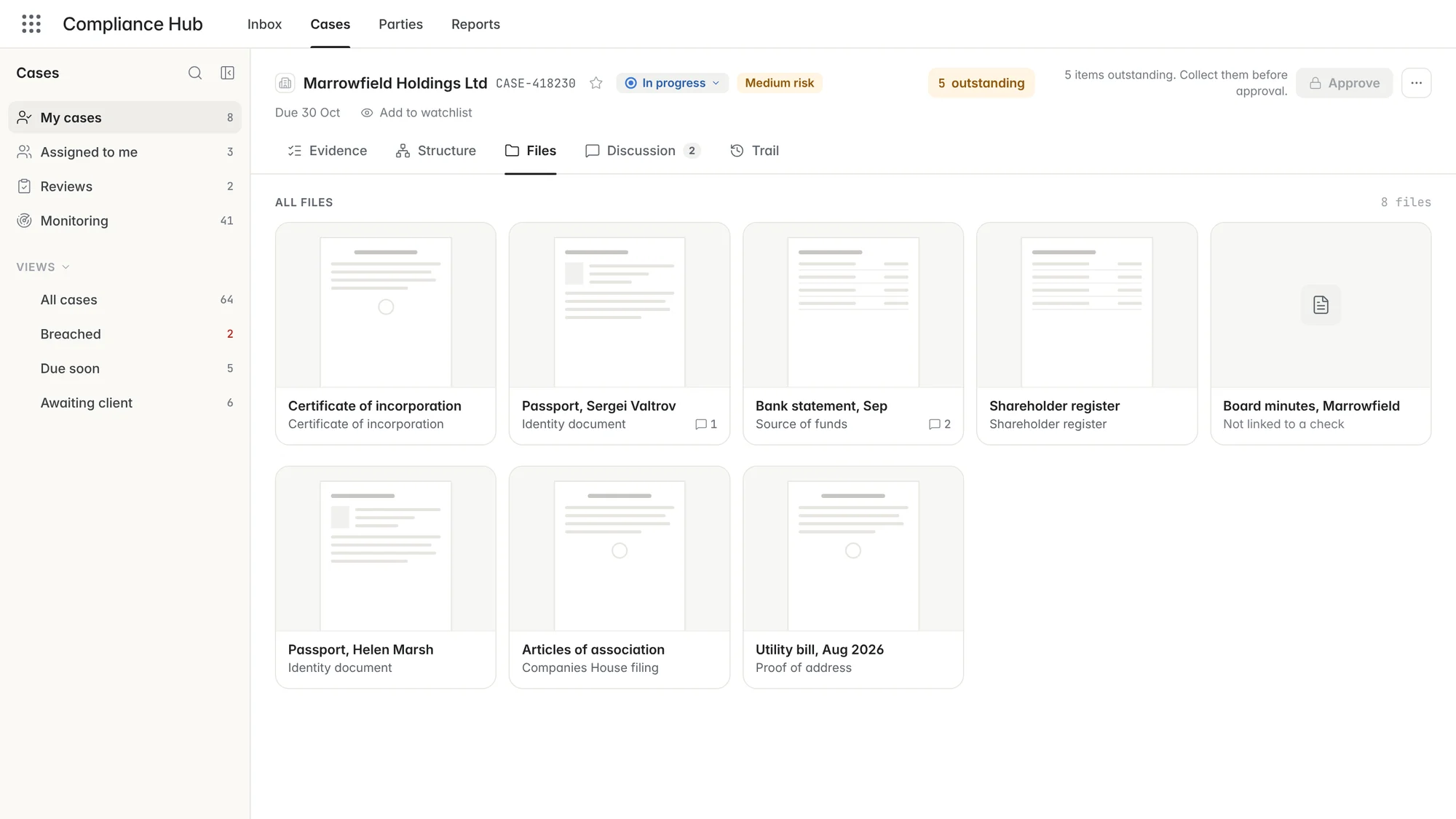
Every file on the case, in one list.
Everything uploaded, dropped or sent by the client, with what Zenoo read in each one.
The film · 0:41
Drop it in. Zenoo reads it. Link it to the check it proves.
More films:Work the Evidence on a caseAll films
For your team
What it changes, for each role.
Drop a client’s whole pack at once. Zenoo files each document against its check.
See which checks have their evidence before you approve.
A file about another company is flagged before anyone relies on it.
Questions
Files questions.
Does this work for KYC and KYB?
Yes. Passports and proof of address for people, incorporation documents and registers for companies, all filed on the case they belong to.
Can we upload documents ourselves?
Yes. Drop a file on the case and Zenoo suggests the party and the check it belongs to.
Does Zenoo accept documents on its own?
No. It suggests where a document belongs. A person confirms before it counts towards a check.
Which documents can Zenoo read?
Common identity and corporate documents. Anything it cannot read is filed for a person to review.
Tomorrow, your case
Bring us a case that went wrong.
We will run it through Zenoo while you watch: the evidence, the decision, and the record your MLRO would want to defend.
30 minutes. Your data. No slides.